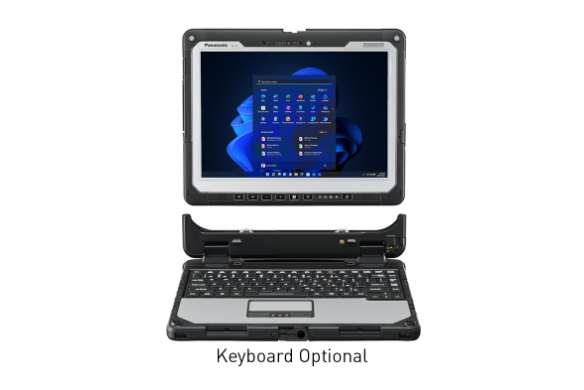
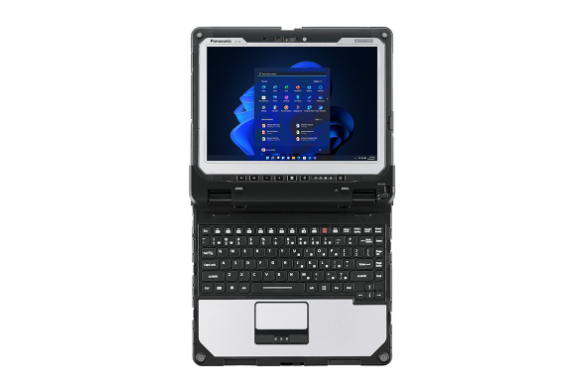
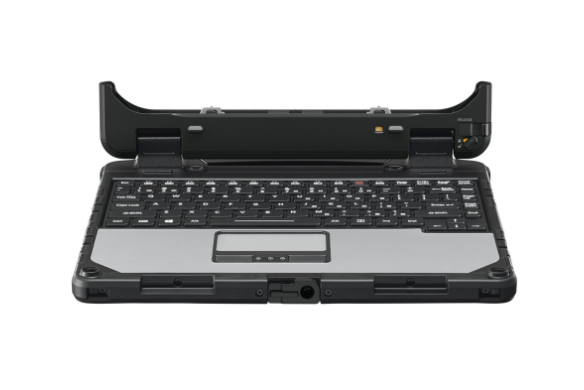
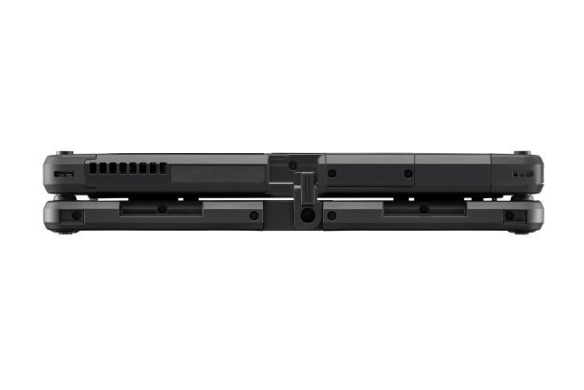
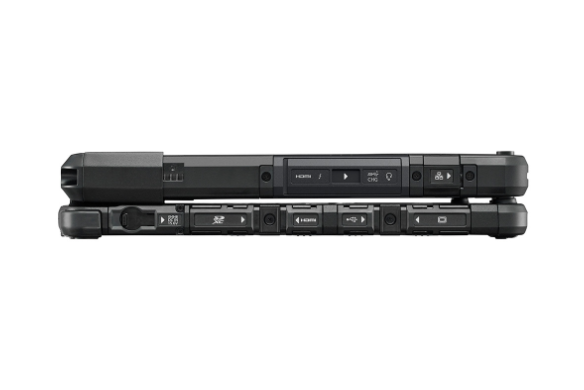
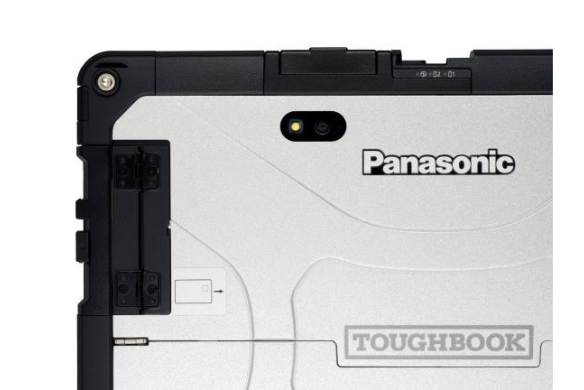
TOUGHBOOK 33 Rugged 2-in-1 Tablet Front
TOUGHBOOK 33 Rugged Tablet with Keyboard Rotation
TOUGHBOOK 33 Rugged 2-in-1 Tablet with Keyboard
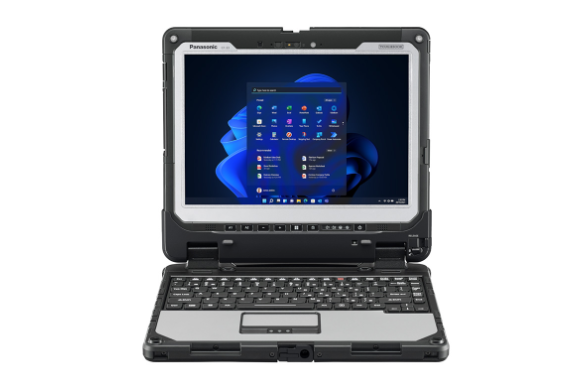
TOUGHBOOK 33 Rugged 2-in-1 Tablet Open with Keyboard
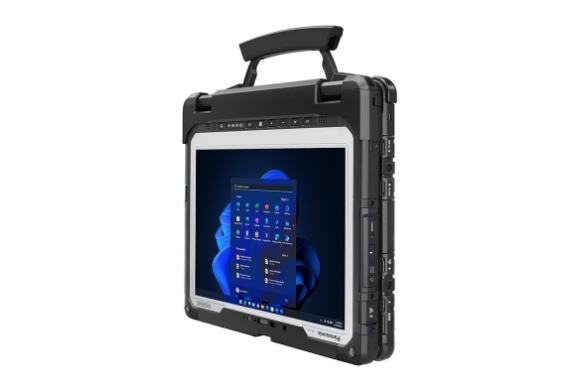
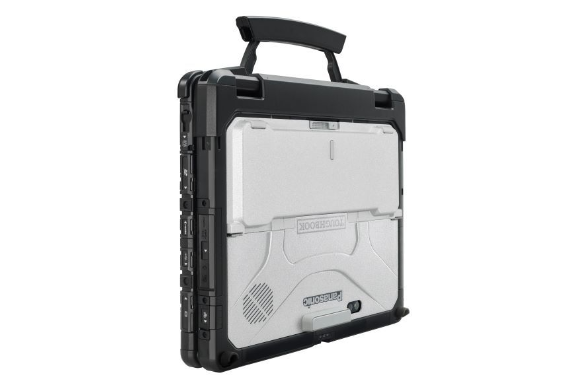
TOUGHBOOK 33 Rugged 2-in-1 Tablet Closed with Keyboard
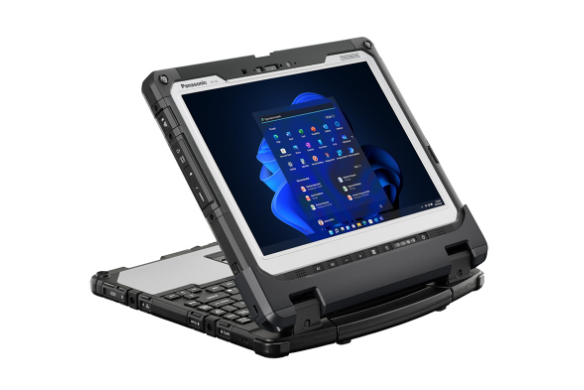
TOUGHBOOK 33 Rugged 2-in-1 Tablet Open Flat with Keyboard
TOUGHBOOK 33 Rugged 2-in-1 Tablet Keyboard
TOUGHBOOK 33 Rugged 2-in-1 Tablet Front Closed with Keyboard
TOUGHBOOK 33 Rugged 2-in-1 Tablet closer right with keyboard
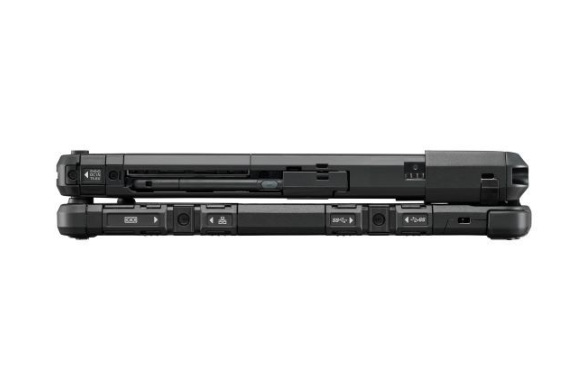
TOUGHBOOK 33 Rugged 2-in-1 Tablet closed left with keyboard
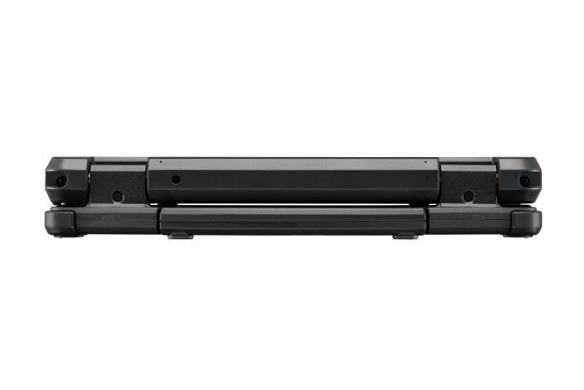
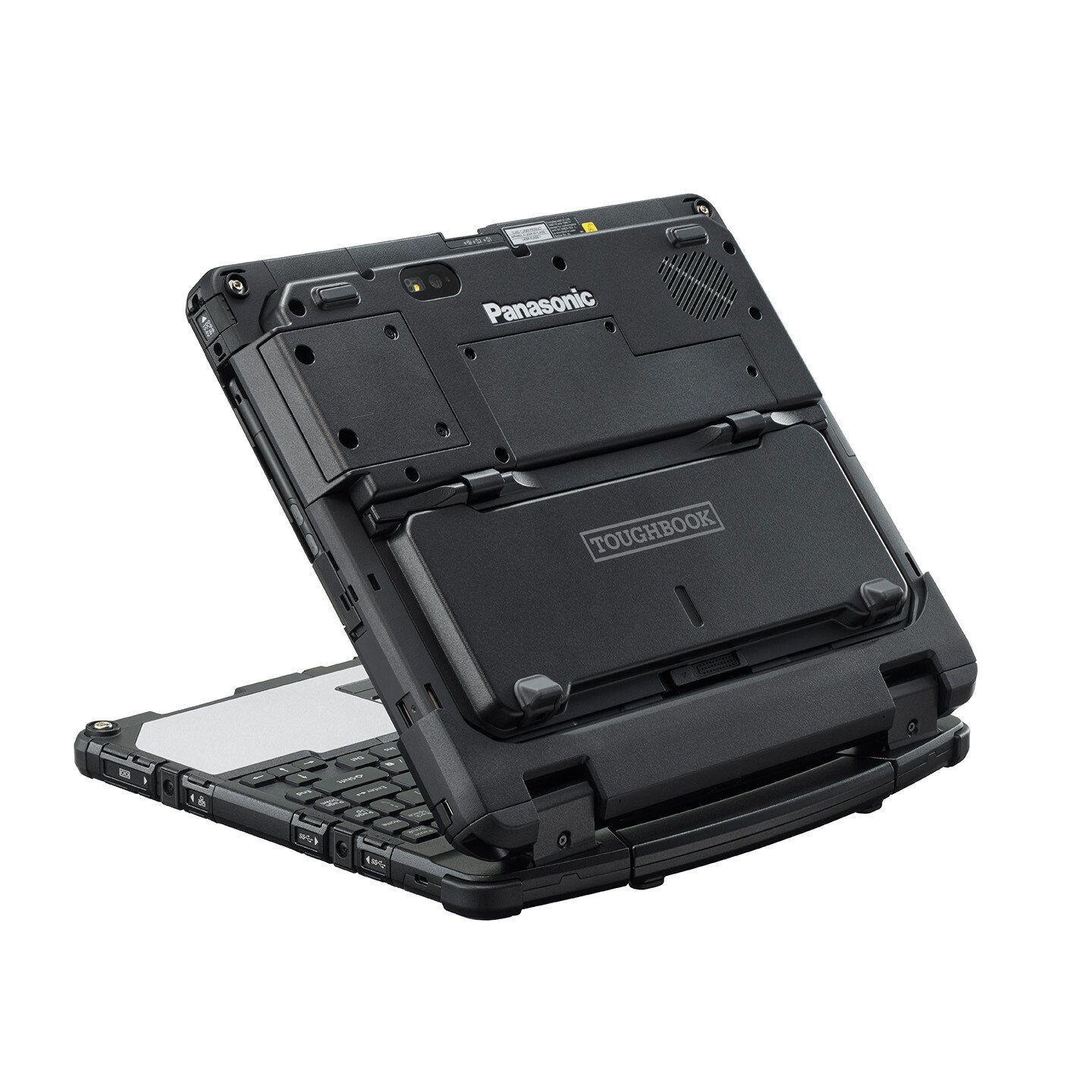
TOUGHBOOK 33 Rugged 2-in-1 Tablet closed rear with keyboard
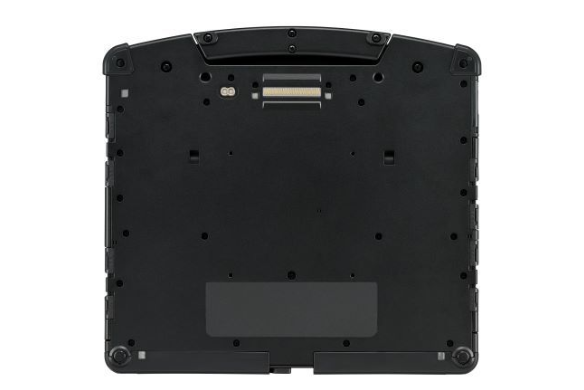
TOUGHBOOK 33 Rugged 2-in-1 Tablet bottom with keyboard
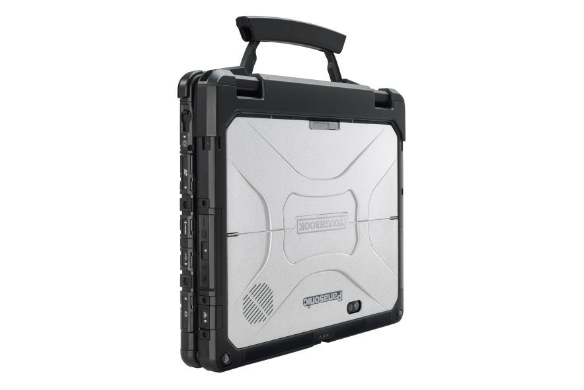
TOUGHBOOK 33 Rugged 2-in-1 Tablet closed with keyboard
TOUGHBOOK 33 Rugged 2-in-1 Tablet closed with keyboard and long life battery
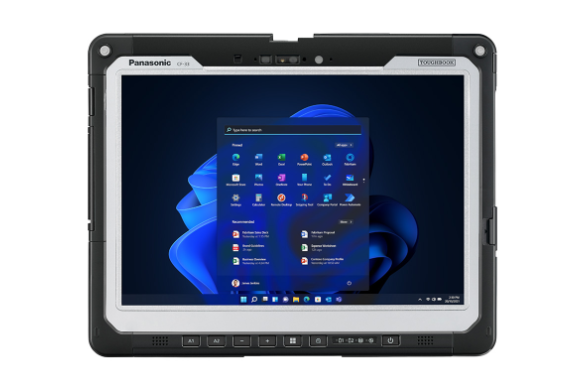
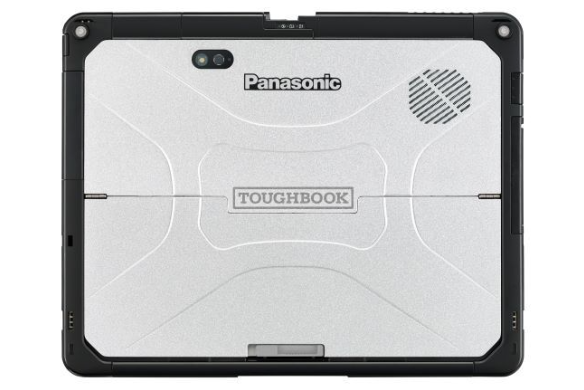
TOUGHBOOK 33 Rugged 2-in-1 Tablet front
TOUGHBOOK 33 Rugged Tablet Rotation
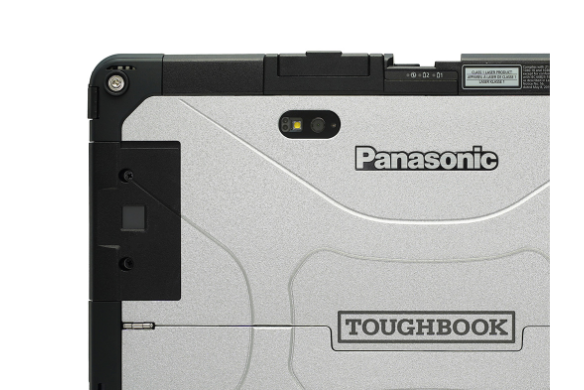
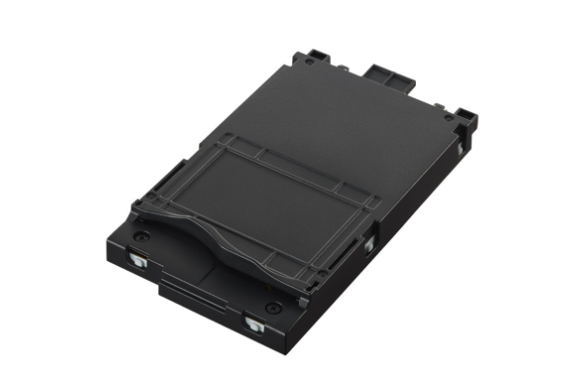
TOUGHBOOK 33 Rugged 2-in-1 Tablet top xPAK
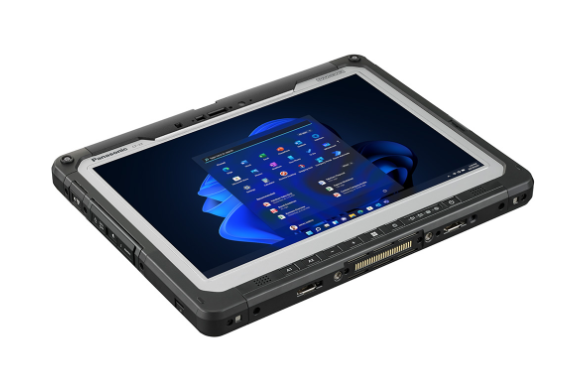
TOUGHBOOK 33 Rugged 2-in-1 Tablet flat
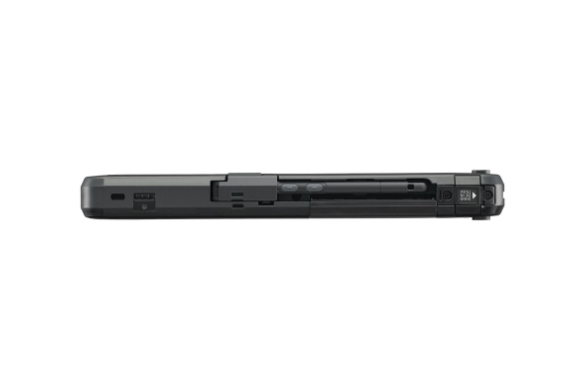
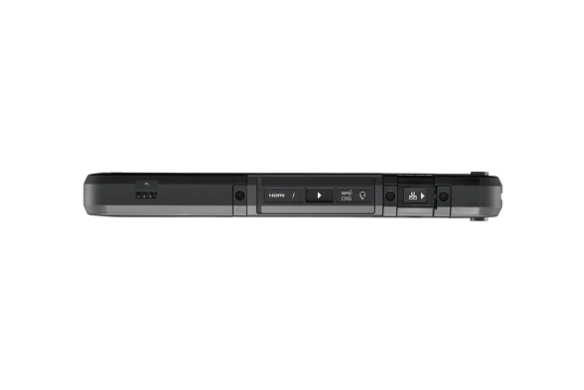
TOUGHBOOK 33 Rugged 2-in-1 Tablet right
TOUGHBOOK 33 Rugged 2-in-1 Tablet left
TOUGHBOOK 33 Rugged 2-in-1 Tablet top
TOUGHBOOK 33 Rugged 2-in-1 Tablet top xPAK
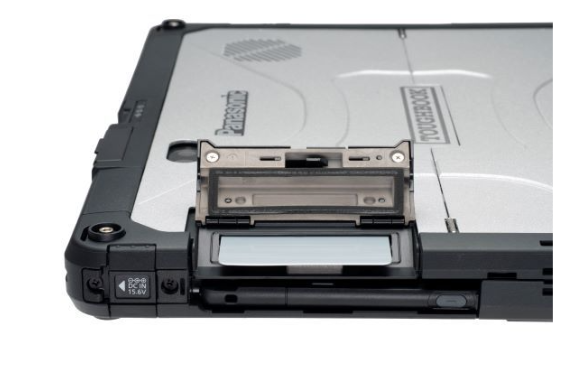
TOUGHBOOK 33 Rugged 2-in-1 Tablet smartcard xPAK
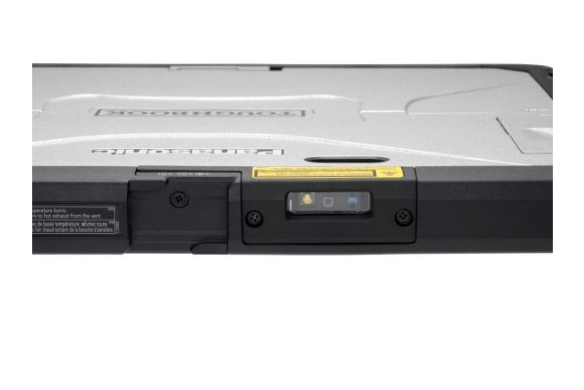
TOUGHBOOK 33 Rugged 2-in-1 Tablet barcode reader xPAK
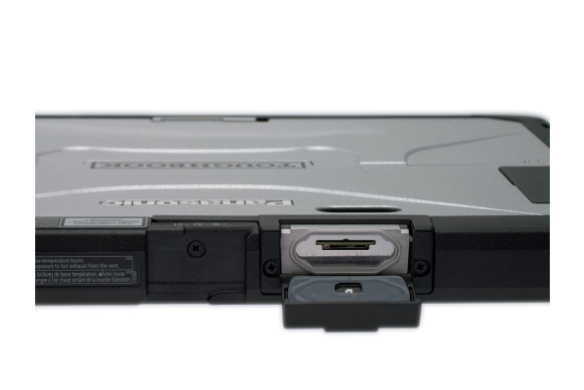
TOUGHBOOK 33 Rugged 2-in-1 Tablet xPAK
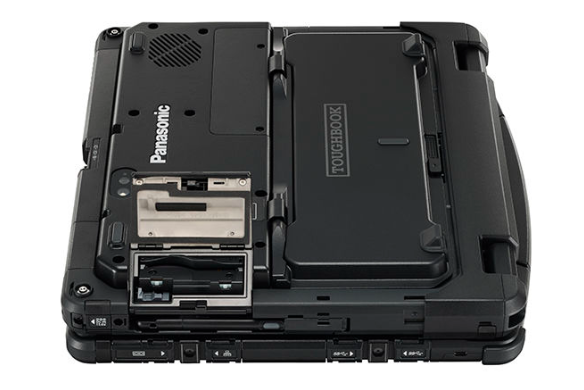
TOUGHBOOK 33 Rugged 2-in-1 Tablet bottom xPAK
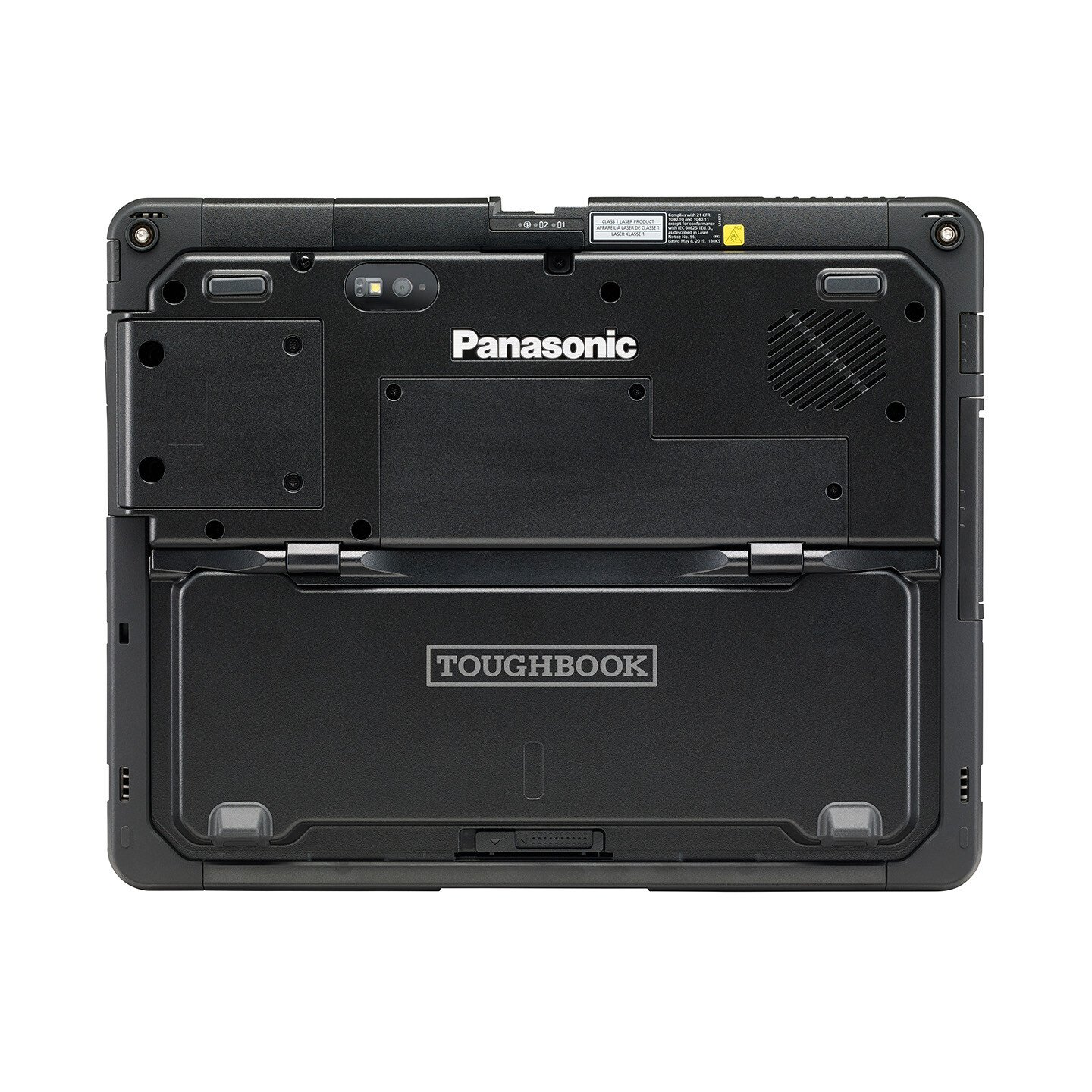
TOUGHBOOK 33 Rugged 2-in-1 Tablet bottom
TOUGHBOOK 33 Rugged 2-in-1 Tablet back long life battery
Optimize business results with Windows 11 Pro PCs. Make new Windows 11 PCs the cornerstone of your technology stack.

TOUGHBOOK 33

Model:

  • CF-33
Featured Specs

The Panasonic TOUGHBOOK® 33 offers unparalleled flexibility in even the most demanding and extreme environments and is the world’s first fully rugged 2-in-1 PC with a 3:2 screen. Inspired by the increasing demands of mobile professionals, the TOUGHBOOK 33 delivers rugged mobility in a highly customizable package that also includes over 14 years of backward compatibility. Up to 14 cores of computing power and a wide range of integrated options such as serial port, barcode, fingerprint, insertable, contactless Smart Card readers, choice of 4G or 5G modems, assure TOUGHBOOK 33 can be customized to meet the unique needs of a diverse customer base.

Compare TOUGHBOOK vs. other devices.

Our rugged devices are 5x more reliable than other business laptops resulting in fewer repairs, reduced downtime and money saved. Calculate how much TOUGHBOOK can save your business with our TCO calculator.

  • 12” tablet easily converts to a laptop with optional keyboard
  • 3:2 display for easier handling and better viewing of business applications
  • Choice of 4G or 5G modems with speeds up to 4.1Gbps
  • Twin battery design enables hot-swap battery replacement for continuous use 
  • Choice of i5 or i7 processors with up to 14-cores 


Local Colorado Police Departments Deploy TOUGHBOOK 33 2-in-1s with Panasonic and Grants Office

The Trinidad, CO PD and Canon, CO PD partnered closely with Panasonic deploy rugged mobile technology with funding from the Grants Office, providing their first responder teams the rugged and reliable tools they need to stay connected and in control.

See how TOUGHBOOK 33 redefines rugged flexibility

The TOUGHBOOK 33 is flexible, easy to handle, and rugged enough for the most demanding conditions. It's as versatile as your job demands it to be. From a brighter 12" detachable screen with infrared camera for Windows Hello support, to hot-swappable twin batteries and a choice of keyboards—TOUGHBOOK 33 is built for maximum mobility.

Mobile workers require technology that rises to the occasion and evolves with their needs. now, this legacy continues with the next generation of the fully rugged 2-in-1 TOUGHBOOK 33, featuring significant enhancements to performance, flexibility, functionality and security.

Mobile computers are inevitably exposed to spills and splashes-not just from water, juice and coffee, but also from oils and chemicals. learn more about how the new Panasonic TOUGHBOOK 33 can survive a deluge

FirstNet and FirstNet Ready are registered trademarks and service marks of the First Responder Network Authority, an independent authority within the U.S. Department of Commerce.

* Required.

TOUGHBOOK 33 FAQs

  • 2-in-1s are a category of PCs that include convertibles, 360s and detachables. Convertible displays swivel (left/right) to change from laptop to tablet mode. 360 displays fold backward to change from laptop to tablet mode – but the keyboard on convertibles and 360s are always attached. A detachable laptop has a removable keyboard, giving users the lightweight portability option of just carrying around a tablet — truly offering the best of both a laptop and tablet. Laptops, on the other hand, can only be opened in clamshell mode. And tablets do not come with physical keyboards, either only offering software keyboards or only have optional keyboard accessories that are not integrated.
  • The aspect ratio is the ratio of the width to the height of screen. The TOUGHBOOK 33 is the first fully rugged product with a 3:2 display. Panasonic chose this to make the tablet easier to handle, and for better viewing of business applications such as Computer Aided Dispatch (CAD) for law enforcement officers. Other benefits of a 3:2 over a widescreen include less vertical scrolling, more closely resembles the size and feel of 8.5 x 11 paper, and less interference around airbag zones for better vehicle-occupant safety.
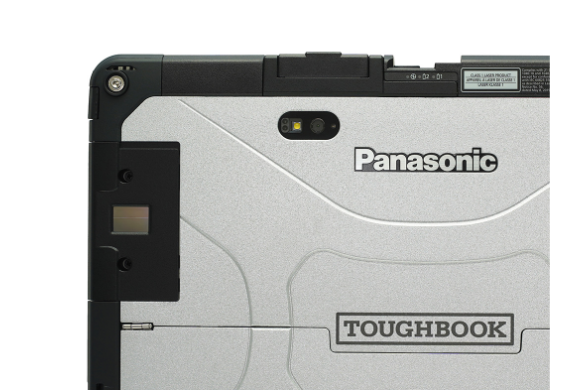
  • The combination of an infrared webcam on TOUGHBOOK 33 and Windows Hello allows customers to use 3D facial recognition, iris scanning or fingerprint scanning (on units equipped with a fingerprint reader) for user authentication.
  • There is no theoretical maximum. Up to 99 has been tested. Each user will need to set their own account, but multiple users can set up their own account.
  • The Premium Keyboard offers more functionality, versatility and ruggedness, but the Lite Keyboard is lighter and has a lower purchase price. Both can dock directly to the tablet and both feature an adjustable tactical red backlight. The Lite Keyboard is compatible with the Vehicle Dock Adapter (VDA) whereas the Premium Keyboard works with the TOUGHBOOK 33 laptop vehicle dock and desktop dock. Additionally, the Premium Keyboard has a handle, can open to any angle, be reverse docked into convertible mode, has I/O ports, Fn keys and a Kensington lock.
  • No, the Mk3/Mk4 Premium Keyboards (emissive CF-VEK335LMP; rubber CF-VEK336RMP) can only be used on the TOUGHBOOK 33 Mk3 and Mk4 tablets.
  • Yes. The TOUGHBOOK 33 Mk3 and Mk4 tablets can work with any TOUGHBOOK 33 keyboard.
  • No, just attach the tablet to either keyboard and they will be instantly recognized. The tablet and keyboards communicate through a physical docking connection so users do not have to worry about a spotty connection or battery drain, which can be problematic issues of Bluetooth® keyboards.
  • Yes, both have a lever to lock them in.
  • Yes, both keyboards have this ability, as well as tablet and/or Lite Keyboard to the 31 Vehicle Dock Adapter (VDA).
  • Only the Lite Keyboard can be used when detached from the tablet if it is connected to the tablet with the provided USB-B to USB-C. This was designed so people who have a TOUGHBOOK 33 in a vehicle with a 31 Vehicle Dock Adapter (VDA) can remove the Lite Keyboard from the VDA, while the tablet & VDA are still mounted, so they can type on the keyboard in their laps. This offers superior ergonomics and reduces user fatigue since users are no longer required to twist their backs trying to type on a keyboard that is mounted to the vehicle docks towards the middle of the dashboard.
  • The desktop dock utilizes both the Premium Keyboard and tablet. While there is no desktop cradle for just the tablet, customers can utilize the Premium Keyboard as their desktop dock solution since the Premium Keyboard has a Kensington lock as well as a wide range of I/O ports including 1 HDMI, 1 VGA, 4 USB, 1 SDXC, 1 ethernet and 1 serial.
  • There are two options. A removable SSD is flush, but requires a screwdriver to remove and purchase of an SSD no return service SKU through Panasonic for training and authorization. Alternatively, for customers who want a quick-release SSD, that is available as an option, comes with Long Life Batteries and has a bump out.
  • Yes, they are end-user removable. No training is required. Just open the battery panel to access the batteries.
  • The TOUGHBOOK 33 always comes with two batteries, whether the standard lightweight twin batteries, or the optional long life batteries that double battery life. The unique design allows either configuration to be hot-swapped.
  • A hot-swappable battery lets users swap one of the two batteries in the unit without needing to shut down or suspend the tablet first. The TOUGHBOOK 33 comes standard with two batteries that are identical and can go in either the left or right battery slot.
  • There is an optional long life battery configuration which doubles battery life and still retains ability to hot swap. The long life batteries have to be integrated on the tablet at time of purchase or sent back to Panasonic as retrofit since it requires a different bottom panel. Optional long life batteries add 0.4” (H) and 0.8 pounds, and are not compatible with convertible mode or the 33 Tablet Vehicle Dock when using tablet with Long Life Batteries and Panasonic rotating hand strap.
  • Long Life Batteries have to be installed at time of purchase or be sent back to Panasonic for retrofit.
  • The long life battery, quick-release SSD and 5G modem. All other options are flush, which means the tablet can be mounted forwards or reverse into the Premium Keyboard.
  • Yes, 5G models can work on 4G (LTE, LTE-A) or 5G (Sub6, C-band) networks – providing speeds up to 4.1 Gbps.
  • Yes.
  • No, all 5G models come with long life batteries by default to provide maximum battery life as 5G consumes more power than 4G.
  • Yes, except insertable smart card, quick-release SSD, the rotating hand strap and tablet vehicle docks. If you require any of these, you can order instead 4G version of the TOUGHBOOK 33 or even Wi-Fi version and use a 3rd party Cradlepoint router to add 5G.
  • Yes. In addition, it comes with a blue cleaning cloth and a stylus pen holder on the tablet.
  • Since some customers already have a keyboard, no keyboard is included to be more cost effective. For questions about bundling a tablet and keyboard, please contact your Panasonic representative.